> For the complete documentation index, see [llms.txt](https://nextsky-2.gitbook.io/milano-shopify/llms.txt). Markdown versions of documentation pages are available by appending `.md` to page URLs; this page is available as [Markdown](https://nextsky-2.gitbook.io/milano-shopify/theme-sections/shopable-video.md).
# Shopable video
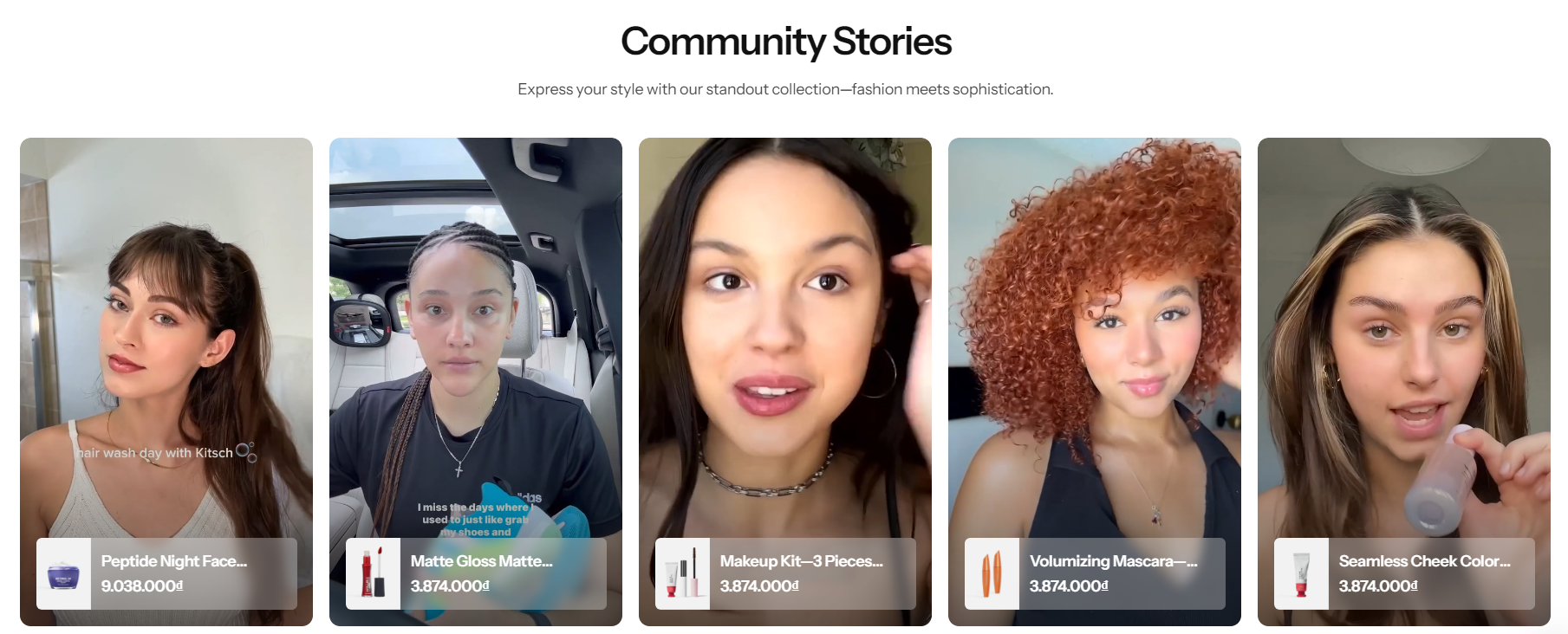
Elevate customer 's product browsing experience with captivating video thumbnails that provide dynamic previews of each item, allowing them to explore the unique features and benefits of the products before making a purchase.
{% hint style="success" %}
Steps
1. In the theme editor (**Customize**), click **Add section**
2. Locate **Shopable video**
3. **Save**
{% endhint %}
## Section settings
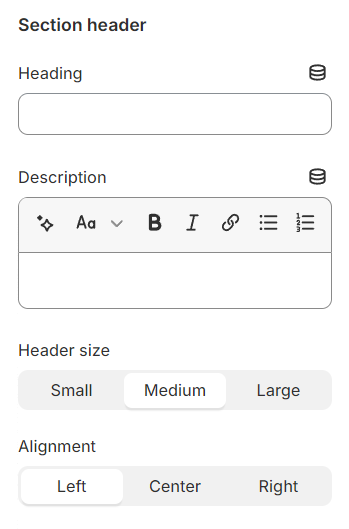
### Section header and General
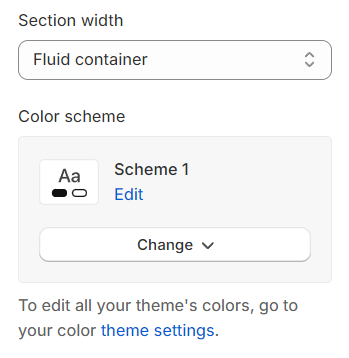
**Section width:** You can choose among Fluid container, Full width, Stretch width for the banner layout.
**Color scheme:** Set text color and background color with preset scheme
**Layout:** You can choose between Fluid Container, Stretch width, Full width for the layout or just leave it with the default layout of the video.
**Color schema:** You are allowed to change text color, background color, etc. with preset color.
### Video settings
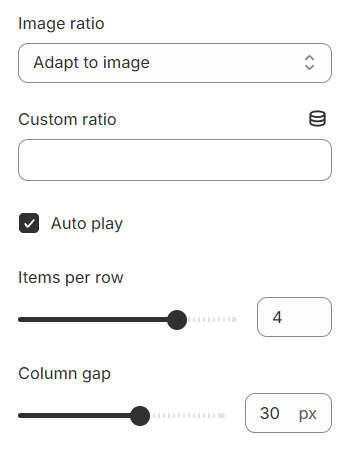
**Image ratio:** Select an aspect ratio for your content, ensuring it fits your design needs.
**Custom ratio:** Define a custom ratio if the standard options do not meet your specific requirements, offering further customization.
**Item per row:** Specify the number of columns you want in each row to structure your layout.
**Column gap:** Adjust the space between columns to create a visually appealing separation.
### Settings for carousel
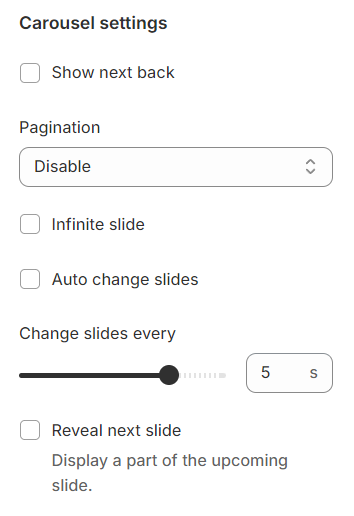
**Show Next/Back:** Display arrows to navigate to the next or previous item.
**Dot:** Choose from different types of pagination options.
**Infinite slide:** Enable this option to allow the slides to loop endlessly, creating a seamless scrolling experience.
**Auto change slides:** Enable this option to automatically transition between slides after a set interval.
**Change slides every:** Configure the time interval for changing slides.
**Reveal next slide:** Allow a part of the next slide to be visible while the previous one is still displayed.
### Mobile options and Section padding
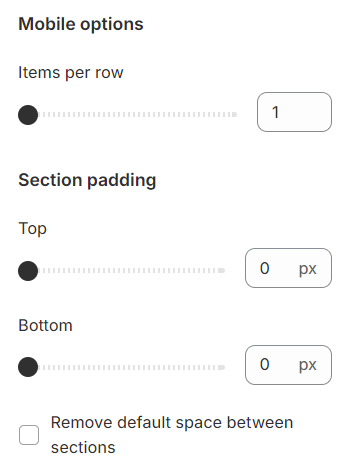
**Items per row:** In mobile view, the number of items displayed on each row in the grid layout can be customized to suit your preferences and the overall design of your site.
Section padding allows you to specify the space between this section and the preceding or following sections, or both.
## Block settings
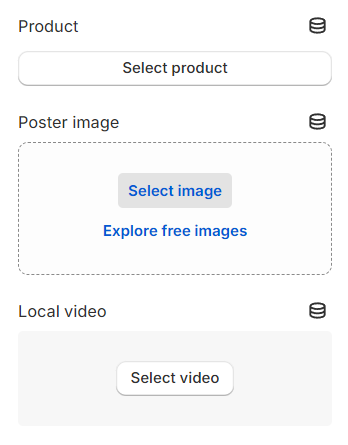
**Products**: Choose the products you wish to sell.
**Associate Video**: Link a video for each selected product to enhance product visibility and engagement.